Cooperative Bank of Oromia Fayda: Link Your ID Online
Connecting your Cooperative Bank of Oromia Fayda ID (COOP account to Fayda ID) is quick and easy. You don’t need to go to a Cooperative Bank of Oromia branch. You can complete the whole process online through the bank’s official Fayda ID Connect page. The link is at the end of this article.
Steps to Complete the Cooperative Bank of Oromia Fayda Connection
- Open the official page. Go to the Cooperative Bank of Oromia (COOP) Fayda Connection page.
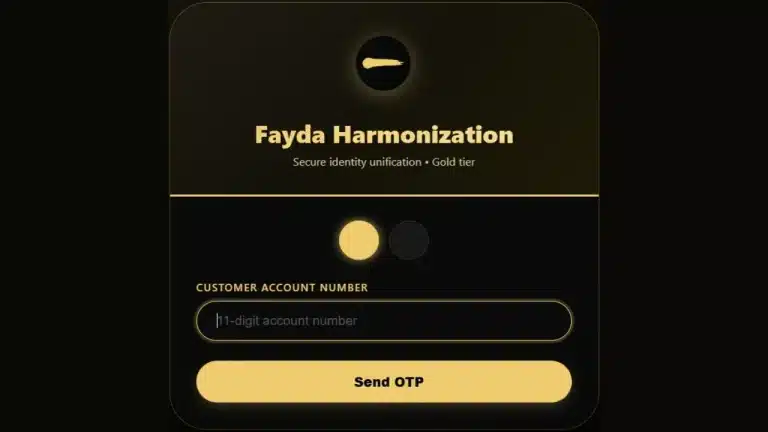
- Enter your account number. Type in your Cooperative Bank of Oromia account number.
- Complete the security check. Type the characters shown in the image to verify you are a real user.
- Enter your OTP. Type the One-Time Password (OTP) you receive.
- Enter your FIN. Type your 12-digit Fayda Identification Number (FIN).
- Giveconsent. The bank will ask permission to access your data, including your name, date of birth, and address. Click Yes to finish linking your Cooperative Bank of Oromia Fayda ID.
Important Security Tip
Never share your OTP with anyone. Always link your Cooperative Bank of Oromia Fayda ID through the bank’s official page only: