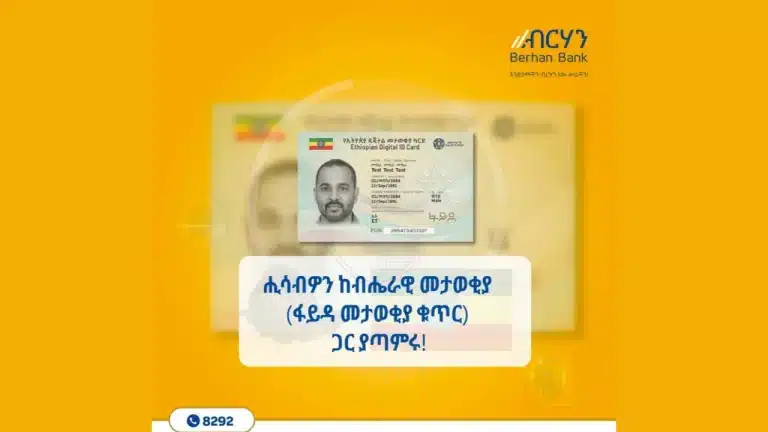
Siinqee Bank Fayda Harmonize: Link Fayda ID Online
The Siinqee Bank Fayda harmonize process is simple, and you can complete it without visiting a branch. Everything happens on the bank’s official Fayda ID Connect page. The link is at the end of this article.
How to Complete Siinqee Bank Fayda Harmonize?
- Open Siinqee Bank’s official Fayda ID Connect page. You will be asked to verify your National ID.
- Click Harmonize Now.
- Choose either Log in with Code or Log in with Biometrics.
- Enter your 12-digit FIN (Fayda Identification Number).
- Enter the OTP (One-Time Password) sent to your registered mobile number or email.
- Siinqee Bank will ask for permission to access your data, including your name, date of birth, and address. Click Yes to allow it.
- Enter your Siinqee Bank account number to link it to your Fayda ID.
Once you complete these steps, your Siinqee Bank account will be connected to your Fayda ID.
Safety Tips for Siinqee Bank Fayda Harmonize
- Never share your OTP with anyone.
- Always use the official Siinqee Bank page below to harmonize your Fayda ID.
Official Siinqee Bank Fayda ID Connect page: https://fayda.siinqeebank.com:7443/